You’re at a coffee shop, trying to finish a work report, when your “ultra-thin” laptop dies—only 3 hours after you unplugged it. You bought it because it fit in your bag easily, looked sleek, and everyone said thin is better. But now you’re stuck, scrambling for an outlet, wondering why you traded battery life for a slimmer design.
We’ve been told for years that “thinner = better” when it comes to laptops. Marketers show us models so thin they fit in a folder, promising portability without compromise. But the truth is, there’s almost always a trade-off—and it’s usually battery life. A 2024 study by Laptop Mag found that 65% of ultra-thin laptops (under 15mm thick) have a battery life of less than 8 hours on a single charge, compared to 82% of slightly thicker models (15-18mm) that last 10+ hours.
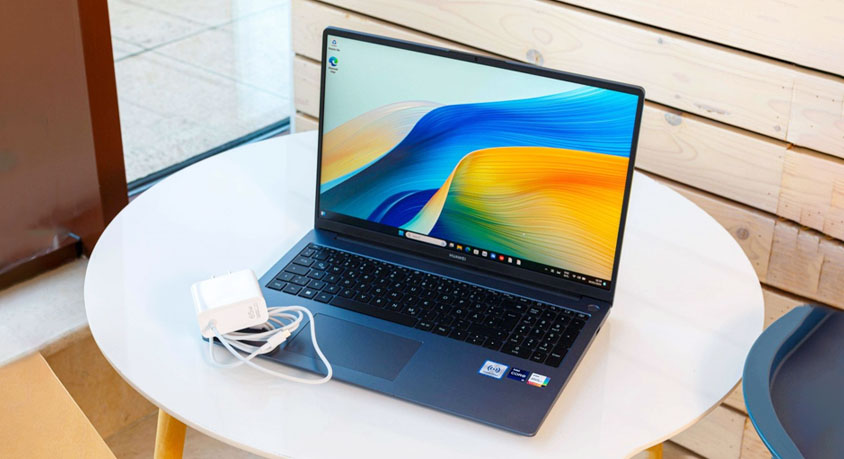
Ultra-thin laptops are undeniably appealing. They’re light—most weigh under 2.5 pounds—with smooth, minimalist designs, often made of aluminum that feels premium in your hand. They slip easily into backpacks, tote bags, even a large purse, making them perfect for commuters or frequent travelers. Most have slim bezels, bright screens, and all the essential ports (USB-C, HDMI) without the bulk of older, thicker laptops. They look professional, too—great for meetings or working in public spaces.
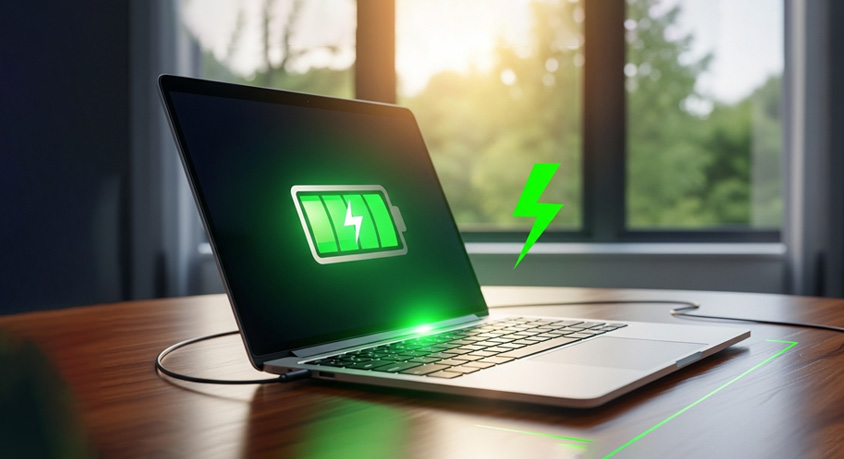
But that slimness comes at a cost. To make laptops thinner, manufacturers have to shrink the battery—there’s only so much space inside a thin chassis. A typical ultra-thin laptop has a 40-50Wh battery, while a slightly thicker model can fit a 60-70Wh battery. That difference translates to real-world use: imagine working on a flight without an outlet—an ultra-thin laptop might die halfway through, while a thicker one could last the entire trip. For remote workers who jump between coffee shops, co-working spaces, and home, that gap is a game-changer.
Thin laptops also often cut corners on cooling. With less space for fans and heat sinks, they can overheat when running demanding tasks like video editing or gaming, slowing down performance. Some even throttle the processor to stay cool, making them less powerful than they look. And while they’re light, the thin design can feel flimsy—some models bend slightly if you pick them up by one corner, unlike sturdier, thicker laptops.
That’s not to say ultra-thin laptops are bad. They’re perfect for people who prioritize portability above all else—like frequent business travelers who carry their laptop everywhere, or students who move between classes all day. If you’re always near an outlet, or only use your laptop for light tasks (browsing, typing, video calls), the battery trade-off won’t bother you.
But if you need a laptop that lasts all day—freelancers who work on the go, digital nomads, or anyone who hates being tied to an outlet—you’re better off with a slightly thicker model. These laptops offer better battery life, more powerful cooling, and sturdier builds, without being so bulky that they’re a hassle to carry. They might add a few ounces and a millimeter or two, but the extra battery life is worth it.
The key is to stop chasing the “thinnest” label and focus on what you actually need. A laptop should fit your lifestyle, not the other way around. If portability is everything, go thin—but know you’ll need to charge more often. If battery life and performance matter most, don’t be afraid to pick a model that’s a little bulkier. At the end of the day, a laptop that lasts all day is more useful than one that looks good but dies when you need it most.
Disclaimer: Mention of any brand or trademark is for identification only and does not imply partnership or endorsement