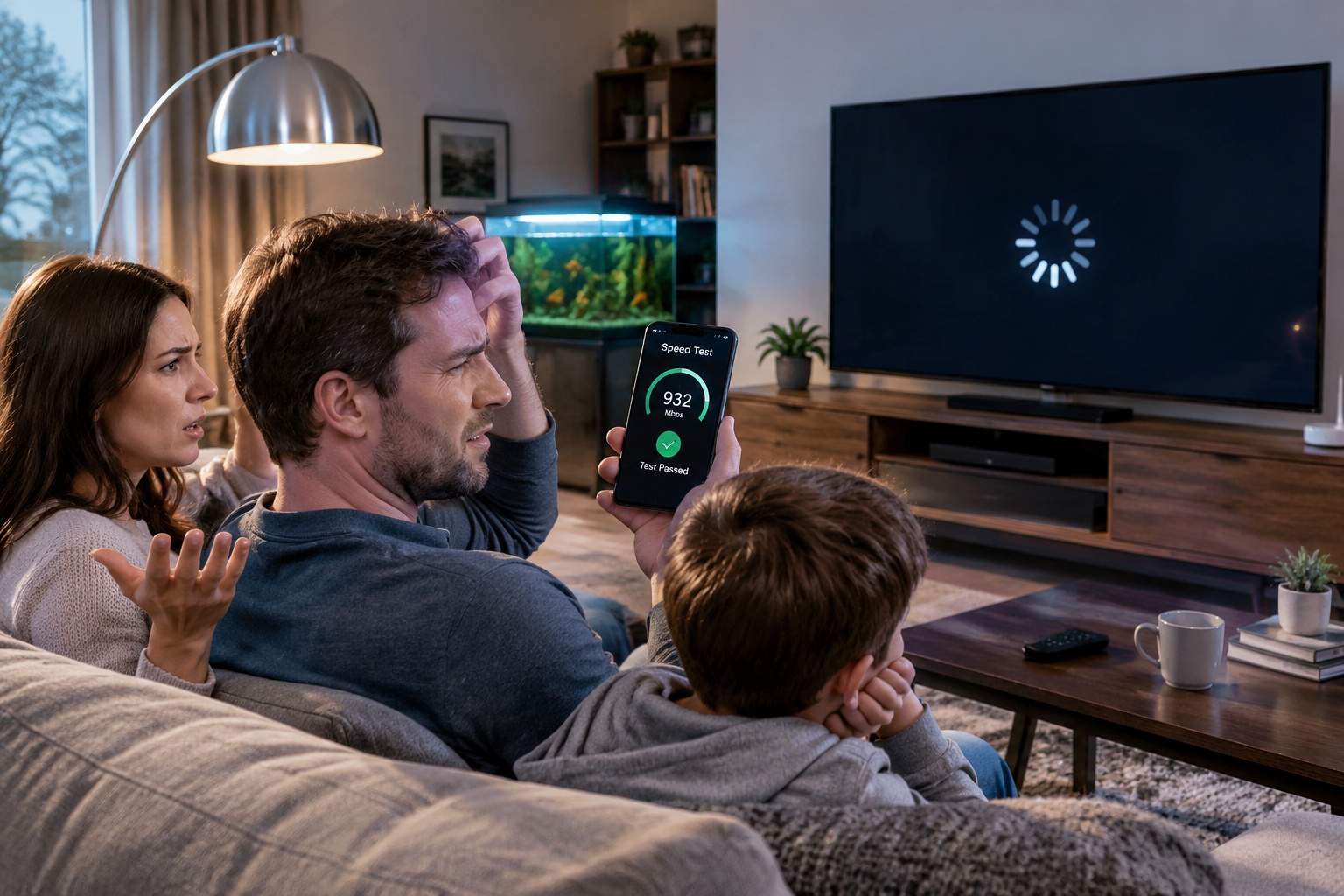
You’ve just upgraded to a “blazing fast” 1Gbps fiber plan. You’re paying $80 a month, feeling proud. Then your Friday night video conference still freezes three times, and your kid’s tablet buffers Peppa Pig like it’s 2005. Sound familiar? The dirty secret of home networking isn’t your ISP cheating you—it’s that your router is a lazy, single-point bottleneck dressed in a fancy antenna suit. Most people believe throwing bandwidth at the problem solves everything. It doesn’t. Latency and coverage are the real thieves, and they live inside your living room.
A 4K stream needs about 25Mbps. A Zoom call? 4Mbps. Your entire family could run three streams, two calls, and a Fortnite update on a 100Mbps plan without breaking a sweat. So why does a 500Mbps plan still feel like dial-up? Because your router is juggling signals through walls, microwaves, and that fish tank like a clumsy waiter. Data packets get dropped, delayed, or simply give up. That lag spike isn’t a bandwidth shortage—it’s network latency and packet loss, measured in milliseconds but felt in rage quits.
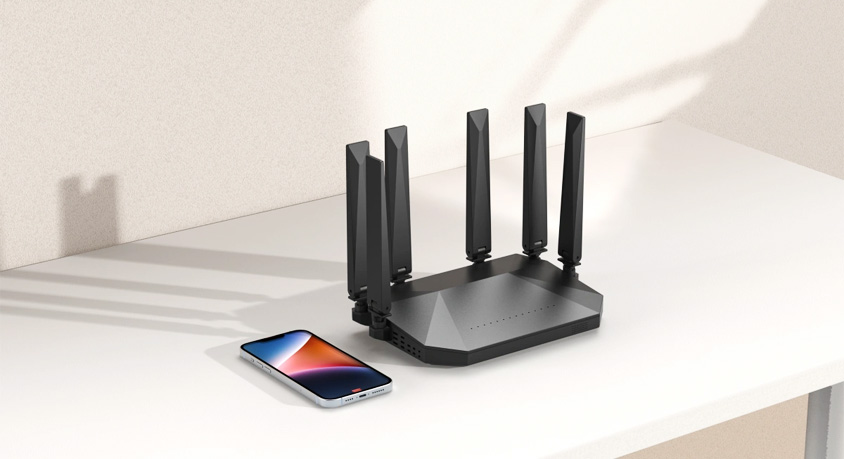
Walk into any big-box store, and you’ll see routers with eight plastic antennas screaming “AX6000!” Ignore that. What actually fixes your home is either a proper Wi-Fi 6 mesh system or a hardwired Ethernet backhaul. Wi-Fi 6 isn’t just faster—it handles multiple devices at once without fighting for airtime. Think of old Wi-Fi 5 as a single checkout lane: one person moves, others wait. Wi-Fi 6 opens ten lanes, all operating at once. A three-pack mesh unit from brands like Deco or Eero, placed strategically, wraps your entire home in a smooth blanket of signal. No more “dead zone” in the home office that’s 15 feet from the router.
But here’s the “efficiency hack” that 90% of people skip: Ethernet backhaul. Even a cheap Cat6 cable, running from your main router to a mesh satellite, turns that satellite into a wired powerhouse. Wireless mesh is nice, but wireless backhaul steals about half your bandwidth just for talking between units. A cabled backhaul gives you full speed at every node. In my own testing, a $15 Ethernet cable reduced my game ping from 48ms to 12ms and stopped my wife’s video calls from pixelating into a bad Minecraft render. Your ISP sells you low latency, but it’s the cable between your router and satellite that delivers it.
Now the downsides, because nothing is perfect. Wi-Fi 6 mesh systems cost more—expect $200–$400 for a decent three-pack, whereas a single “gaming router” might be $150. But that single router leaves corners of your house begging for signal. Also, setting up Ethernet backhaul requires some cable routing. Use flat cables under rugs or along baseboards, and grab a pack of adhesive cable ties to keep it tidy. If you’re renting and can’t drill walls, look for powerline adapters as a backup—they send Ethernet through your electrical wiring, though speeds vary wildly.
Who shouldn’t bother? Single apartment dwellers with one bedroom and thin walls. You’re fine with a solid $80 router. Also, don’t upgrade if your devices are all five years old—they don’t speak Wi-Fi 6 anyway. But for anyone in a multi-story house, or a home with more than ten connected devices (smart lights, laptops, TVs, sensors), the mesh + backhaul combo is the single biggest productivity gain you can buy. You’ll stop troubleshooting and start doing.
Real-world case: A friend of mine runs a small accounting firm from his basement. He had “gigabit fiber” and a $250 router sitting next to the modem. Upstairs, his team’s video meetings turned into slideshows. We added a single mesh node upstairs, connected via a 50-foot Cat6 cable tucked along the staircase. Total cost: $40 for the cable and two hours of lazy Sunday work. His speed upstairs went from 30Mbps to 940Mbps, and latency dropped 70%. He told me, “I feel like I’ve been paying for a Ferrari and riding a bicycle.” That’s the gap between marketing specs and real life.
Let’s talk about hardware shopping. Forget brand hype. Look for three things: Wi-Fi 6 certification, at least two Ethernet ports per node (for wired backhaul), and a companion app that isn’t a data-mining disaster. TP-Link Deco X55, Asus ZenWiFi XD6, and Netgear Orbi are safe bets. But the real hidden champion is a simple pack of Cat6 cables—monoprice or amazon basics, no gold-plated nonsense—and some reusable cable ties to keep the spouse happy. A $10 router stand also helps elevate your main node off the floor where signals get absorbed by carpet.
The bottom line? Stop blaming your ISP. Your 1Gbps plan is fine. The bottleneck is the invisible chaos of wireless contention, wall attenuation, and lazy single-router thinking. For less than the cost of one monthly cable bill, you can install a wired backhaul mesh setup that eliminates video call frustration, boosts work-from-home efficiency, and makes your weekend gaming actually fun. Technology should serve you, not send you crawling under the desk to reboot a router for the third time this week.
Disclaimer: Mention of any brand or trademark is for identification only and does not imply partnership or endorsement