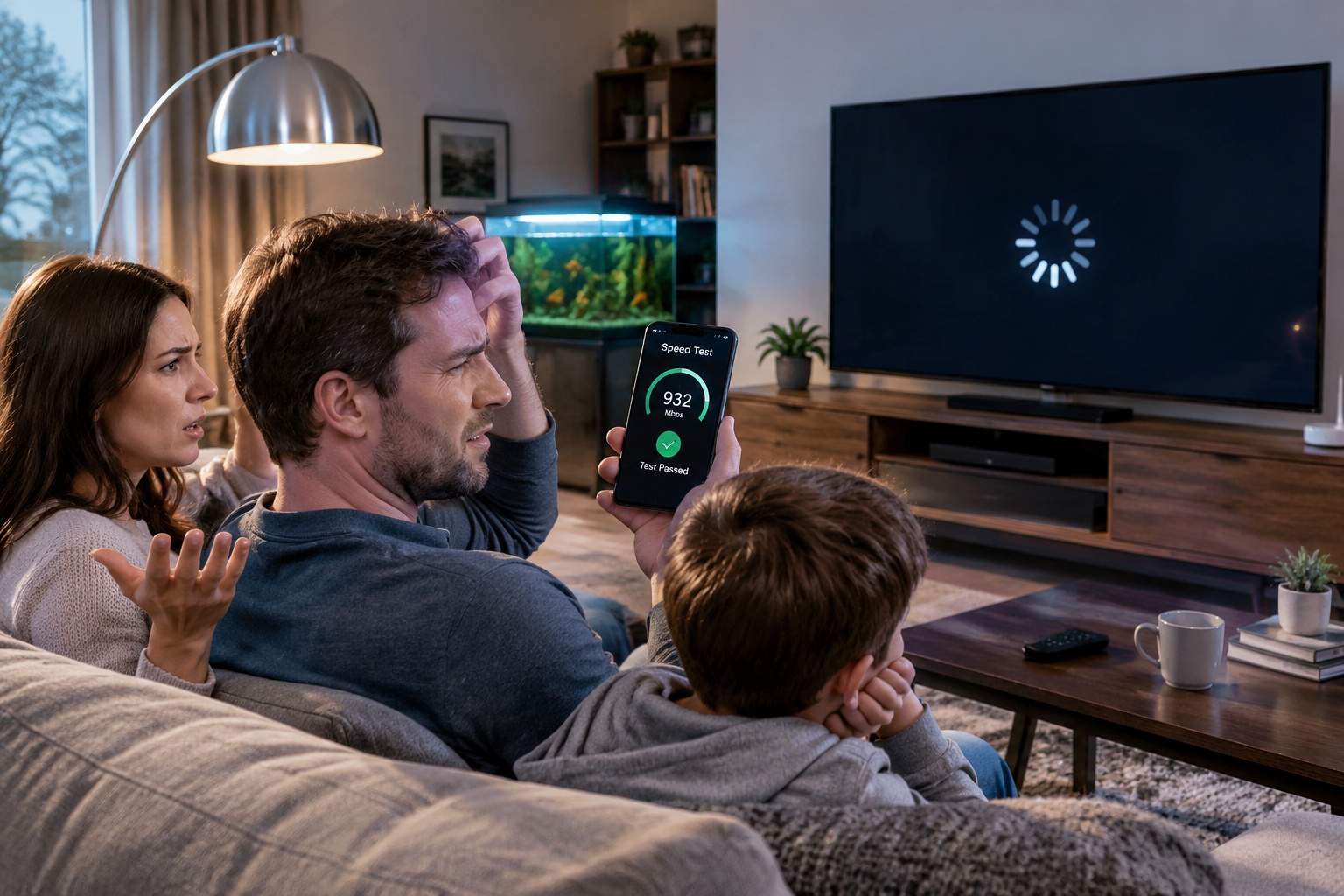
We have all been there: standing in a crowded stadium or a concrete-heavy basement, looking at our phones and seeing four solid bars of signal, yet unable to send a simple text message. It feels like a digital betrayal. You have the "bars," so why don't you have the internet? The answer lies in the fact that those little white lines at the top of your screen are not a standardized measurement of quality; they are a marketing-friendly estimation that often hides the truth about your actual connectivity.
The icon on your status bar measures "Signal Strength," which is essentially the volume of the noise coming from the cell tower. However, it says absolutely nothing about "Signal Quality." Imagine being at a rock concert where the music is incredibly loud—that is your four bars of signal. Now imagine trying to have a whispered conversation with a friend in the middle of that concert. The "volume" is high, but the "clarity" is zero. This is exactly what happens when your phone is hit with interference from other devices or physical barriers.
In technical terms, your phone is looking at RSRP (Reference Signal Received Power), but what actually matters for your Zoom call or webpage loading is the SINR (Signal-to-Interference-plus-Noise Ratio). You can have a very strong signal that is so "dirty" with interference that your phone has to resend data packets five or six times just to get them through. The result? Your phone shows a full signal while your data speed crawls at a pace that would make a 1996 dial-up modem look fast.
Most users assume that moving closer to a window will fix everything, but the materials in modern high-efficiency buildings—specifically "Low-E" glass—are designed to reflect heat. Unfortunately, they are also experts at reflecting the 5G mid-band frequencies your phone relies on for high-speed data. You might see the "5G" icon, but behind the scenes, your device is desperately switching between frequencies, draining your battery as it hunts for a stable connection that doesn't exist.
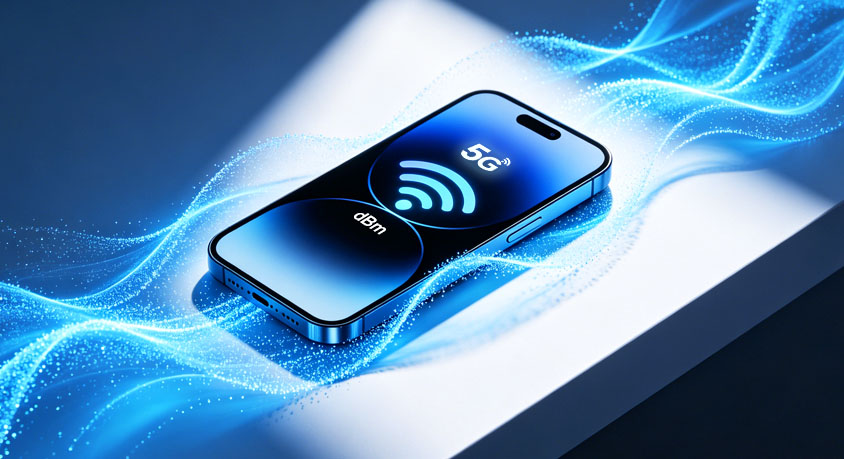
If you want to know the truth about your connection, stop looking at the bars. On most devices, you can enter a "Field Test Mode" or use a network app to see your actual signal in dBm (decibel milliwatts). A reading of -50 dBm is essentially standing under the tower, while -110 dBm is a "dead zone," regardless of how many bars your manufacturer decided to show you to make you feel better.
The design of modern smartphones hasn't helped. To achieve the seamless, all-glass aesthetics we love, engineers have to hide antennas in tiny strips along the metal frame. If you grip your phone in a certain way—the infamous "death grip"—you can physically attenuate the signal by up to 20 dBm. That’s enough to drop a high-speed 5G connection down to a sluggish LTE crawl without you even realizing your hand is the bottleneck.
For those working in home offices with spotty coverage, the solution isn't to buy a phone with "better antennas." It’s to stop relying on the cellular network entirely when you’re indoors. Wi-Fi Calling is the most underutilized efficiency tool in the mobile world. It offloads the heavy lifting to your fiber or cable internet, bypassing the interference of your home's walls and giving you a crystal-clear connection that doesn't depend on how many bars the local tower is "screaming" at you.
Digital efficiency is about understanding the difference between "loud" and "clear." The next time your phone shows a full signal but refuses to work, don't restart the device in frustration. Understand that those bars are just a suggestion, not a guarantee. Move away from that "energy-efficient" window, turn on Wi-Fi Calling, and stop letting a tiny icon dictate your productivity.
Disclaimer: Mention of any brand or trademark is for identification only and does not imply partnership or endorsement