


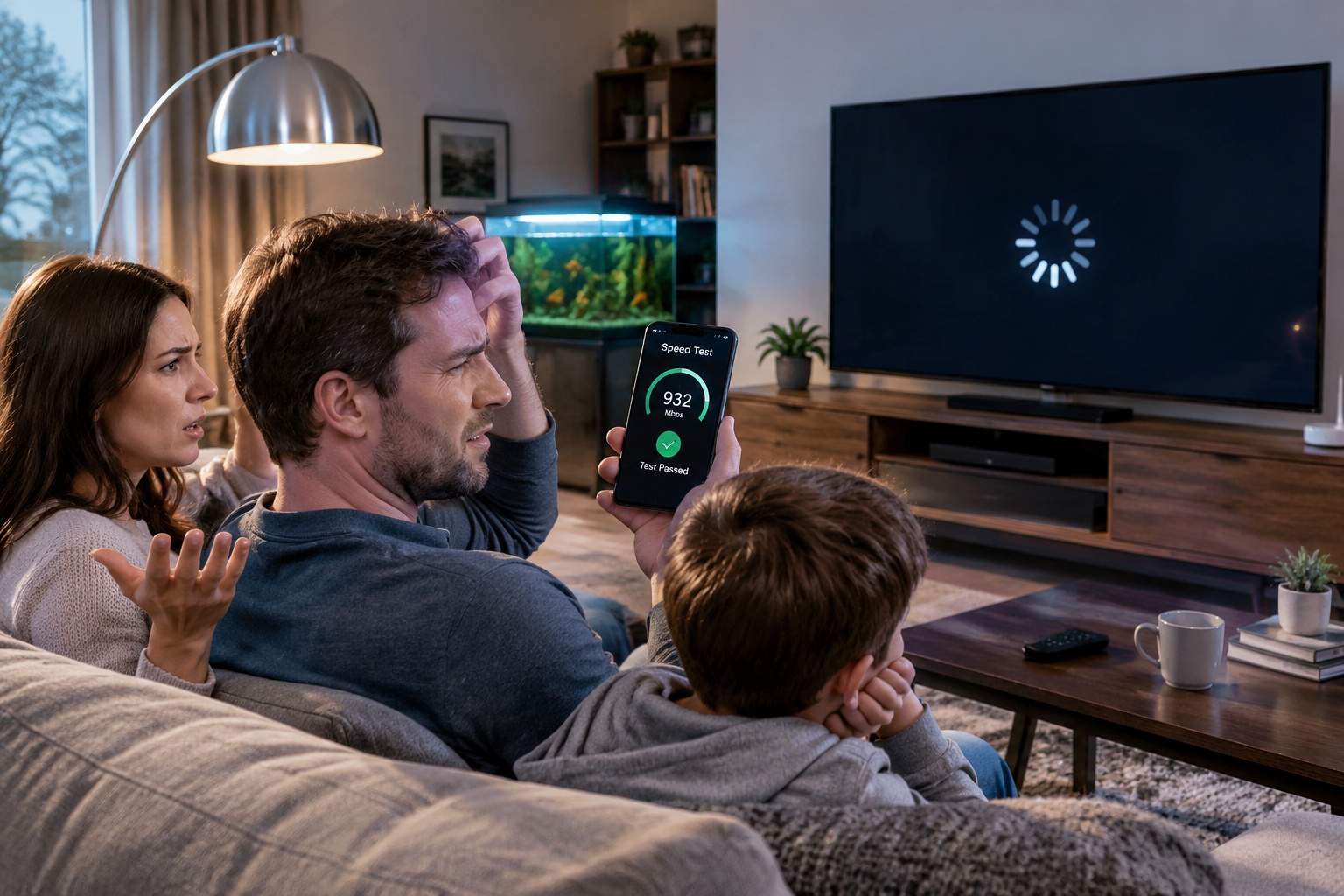
The scene is all too familiar. You're settled in for a movie night, or maybe about to jump on that crucial video call for work. Then, the dreaded spinning wheel appears. Buffering. Your screen freezes. The kids groan, your boss waits, and you're left wondering if you’re throwing money away on a phantom fast connection. After all, your speed test app always shows perfect, blazing-fast results for the gigabit internet you pay for. What gives?
Here’s the plain truth from someone who’s seen countless networks: that speed test is often telling you a beautiful lie. It’s like measuring how fast a car can enter a six-lane highway, but completely ignoring the single-lane, pothole-ridden dirt track that leads from your house to that highway. Your internet service provider (ISP) delivers bandwidth to your home. Your home Wi-Fi network, however, is the messy internal plumbing that dictates if that blazing speed actually reaches your devices.
Think of your router as the air traffic controller for all your home's digital chatter. An old, tired router from five years ago trying to handle a house full of 4K streams, video calls, and gaming is simply overwhelmed. It’s like asking a single traffic cop to manage Times Square on New Year's Eve. Even if you have the latest Wi-Fi 6 or 7 devices, an older router can dramatically cap your speeds. It's not just about the number on the box; it's about its processing power and how many concurrent connections it can truly handle without breaking a sweat.
Your Wi-Fi signal isn't a magical force field. It's radio waves, and they hate walls, metal, and even water (yes, that fish tank isn't helping). A signal can drop by 30-50% just passing through a single interior wall. Then there's the invisible war: your neighbor's Wi-Fi, microwaves, cordless phones, even some baby monitors – all broadcasting on similar frequencies. It’s like trying to have a quiet conversation in a crowded stadium; your data gets lost in the noise.
Remember when you had a couple of laptops and a phone? Now, count them: smart TVs, streaming sticks, security cameras, smart speakers, light bulbs, thermostats, robot vacuums... Each one is constantly talking, demanding a piece of your Wi-Fi pie. A typical home today can have 20-30 connected devices, all vying for bandwidth. Even a gigabit connection can feel sluggish when two dozen devices are trying to pull data simultaneously, each wanting their slice now.
Ever notice how your signal dies in the bedroom farthest from the router? That's a dead zone. Wi-Fi signals weaken significantly with distance. Sticking your router in a closet or behind a TV unit is like trying to shout instructions from inside a soundproof box. Placement is king. Sometimes, simply moving your router a few feet to a central, open location can make a world of difference. For larger homes, a single router can't cover it all. That's where a mesh Wi-Fi system shines, acting like a team of signal boosters, ensuring strong Wi-Fi everywhere. But remember, a mesh system is only as good as its backhaul – ideally, connected via Ethernet for maximum performance.
Most modern routers have a feature called Quality of Service, or QoS. Think of it as designating a VIP lane on your digital highway. You can tell your router, 'Hey, prioritize my work video calls and movie streams over those big game downloads happening in the background.' It ensures your critical activities get the bandwidth they need, preventing buffering meltdowns during important moments.
For devices that absolutely cannot tolerate a dropped signal – your main gaming PC, your 4K streaming box, your work desktop – nothing beats a good old Ethernet cable. It bypasses all the Wi-Fi interference and congestion, offering rock-solid, consistent speed directly from your router. It's the digital equivalent of a private, direct line.
Finally, your router's software, or firmware, gets updates just like your phone. These updates often fix bugs, improve performance, and sometimes even add new features. Ignoring them is like driving a car without ever changing the oil. A simple check on your router's administration page for the latest firmware can often iron out mysterious performance hiccups.
So, next time your movie buffers despite that stellar speed test, don't just blame your ISP. Look inward. Your home network is a symphony of components, and just one off-key instrument can ruin the whole show. It’s not always about buying more speed, but optimizing the speed you already pay for. A little smart tweaking can transform your digital life from frustrating freezes to smooth sailing.
Disclaimer: Mention of any brand or trademark is for identification only and does not imply partnership or endorsement