Walking into a modern office, it’s common to see desks dominated by massive 49-inch ultrawide monitors or sprawling triple-head setups. The marketing promise is simple: "See more, do more." We are told that more screen real estate naturally translates to higher productivity, allowing us to keep twenty apps visible at once. But for many professionals, this digital sprawl actually leads to a phenomenon known as "Visual Friction," where the sheer volume of open windows creates a cognitive tax that drains your energy before lunch.
When you have a screen that spans your entire field of vision, your brain is forced into a constant state of peripheral scanning. Unlike a focused 24 or 27-inch display, where the human eye can take in most information with minimal movement, a massive ultrawide requires constant neck rotation and ocular micro-adjustments. Data from ergonomic studies suggests that users with oversized displays often report higher levels of "tech-neck" and eye strain because they are physically hunting for their cursor across a digital desert.
Beyond the physical toll, there is the psychological trap of "Passive Multitasking." Because you have the space to keep Slack, Email, and a browser window open alongside your primary work document, you do. This sounds efficient, but it actually invites constant interruption. Every time a notification dot appears in your peripheral vision, your focus breaks. Studies on task-switching show that it can take the brain up to 23 minutes to return to a state of "deep work" after a minor distraction. A massive monitor isn't a workspace; it’s an invitation for every app you own to scream for your attention simultaneously.
The industrial design of these giant screens is undeniably impressive. They feature aggressive curves, high refresh rates, and stunning color gamuts. But from a buying decision perspective, many users would be far more efficient with a single, high-resolution (4K or 5K) 27-inch display. A higher pixel density allows you to read text more clearly and reduces the "graininess" that causes eye fatigue, without forcing you to manage the chaos of an ultrawide canvas.
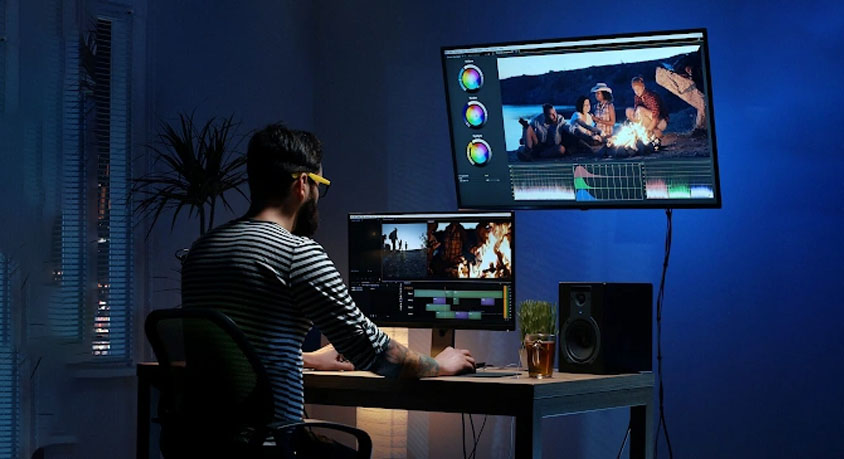
If your work involves complex video editing or financial modeling where seeing a long timeline or a massive spreadsheet is a technical necessity, the ultrawide is a vital tool. But for the average manager, writer, or coder, "more" is rarely "better." The most efficient setup is often one that limits your field of view to the task at hand, forcing you to prioritize your most important window.
Efficiency isn't about how much data you can fit in front of your face; it’s about how much of that data you can actually process without burning out. Before you upgrade to a screen that takes up your entire desk, ask yourself if you are buying a tool for focus or a billboard for distractions. True productivity often comes from the discipline of the "small" screen—where the only thing visible is the work you are supposed to be doing right now.
Disclaimer: Mention of any brand or trademark is for identification only and does not imply partnership or endorsement