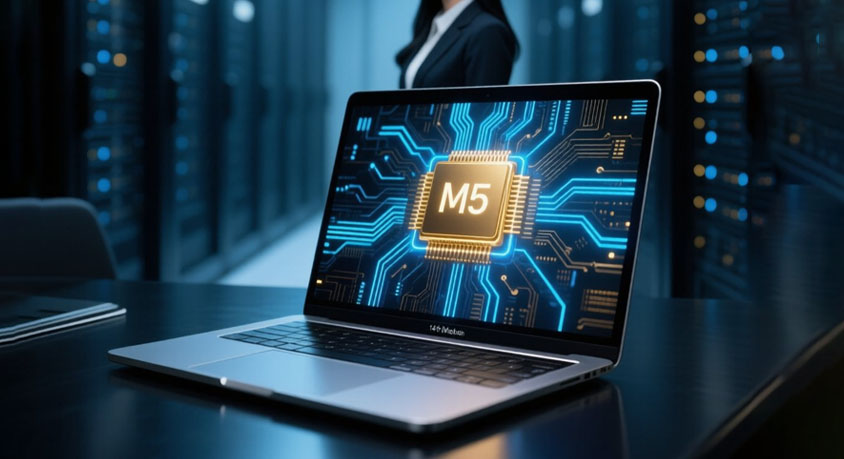
Diving right into the chaos of my desk, cluttered with coffee stains and half-forgotten sketches, where my MacBook Pro M5 hums quietly next to a Surface Laptop that's always begging for a charge. These machines aren't just tools; they're extensions of how I navigate the urban sprawl, jumping from rooftop cafes to late-night edits. The M5 series from Apple, with its beefed-up neural engine, squares off against Microsoft's Surface Laptop 7 and Samsung's Galaxy Book4 Edge, both packing Snapdragon X Elite chips that promise AI smarts without the cloud dependency. I've been pitting them against real-world grinds—video clips that drag on forever, code that refuses to compile, and those AI tweaks that make or break a project.
Take video editing, something I do while crammed in a subway car, dodging elbows. The MacBook Pro M5 chews through 4K footage in apps like Final Cut Pro, rendering effects in what feels like half the time compared to the others. It's that unified memory setup, around 16GB or more depending on config, letting everything flow without hiccups. On the Surface, running Adobe Premiere, it's solid but stutters when layering complex transitions—maybe because Windows still juggles resources differently. The Galaxy Book4 Edge holds its own with DaVinci Resolve, especially for color grading, but I've noticed it warms up quicker, forcing me to prop it on a book to avoid thigh burns during long sessions. Not ideal when you're editing a vlog from last week's street market haul.
Shifting to code running, which for me means debugging scripts while sipping espresso in some dimly lit co-working spot. The M5's ARM architecture shines here; Python environments or even Xcode builds zip along, with benchmarks showing it outpaces Intel-era stuff by a wide margin. I threw some machine learning models at it—simple ones for image recognition—and it handled them locally without breaking a sweat. The Surface Laptop, with its Copilot+ features, integrates nicely into Visual Studio, but compiling larger C++ projects takes a noticeable hit if you're not plugged in. Galaxy Book's Samsung-specific optimizations help with Android Studio crossovers, making it a go-to for app devs who bounce between phone and laptop. But in my tests, the M5 edges out on raw speed for multi-threaded tasks, like simulating data sets that mimic city traffic patterns.
Now, AI local processing is where things get intriguing, especially when I'm generating thumbnails or transcribing interviews on the fly. Apple's Neural Engine in the M5 processes on-device ML tasks, like stabilizing shaky footage or auto-editing podcasts, keeping data private and quick. It's seamless in apps tied to the ecosystem. The Windows duo, powered by Qualcomm's NPU, excels at things like Windows Studio Effects for virtual meetings—blurring backgrounds or eye contact fixes without lag. Surface nails this for my Zoom calls from noisy parks, while Galaxy Book integrates Galaxy AI for note summarization, pulling from your phone's ecosystem. Yet, I've found the M5 more consistent for heavy lifts, say running Stable Diffusion locally, though all three manage lighter AI without phoning home to servers.
Cross-platform sync is a lifesaver in my nomadic routine, flitting between iOS and Android worlds. The MacBook ties effortlessly into iPhones—AirDrop a file from my commute, and it's there, or continue editing on iPad. But if you're deep in Android, the Galaxy Book4 Edge syncs via Samsung DeX, mirroring your Galaxy phone's screen for seamless app handoffs, like picking up a Slack thread mid-stride. Surface bridges this with Windows' Phone Link, pulling texts and photos from either iOS or Android, though it's clunkier with Apple devices. I appreciate how the M5 locks into Apple's walled garden, but the Windows options feel more flexible for mixed households—grab a notification from my Pixel while on the Surface, no extra apps needed.
Battery life ties it all together, because who wants to hunt for outlets in a bustling metropolis? The M5 Pro claims up to 22 hours of video playback, and in my mixed use—editing, browsing, a bit of coding—it lasts a full day, say from dawn market runs to evening uploads. Surface Laptop 7 pushes around 15-18 hours under similar loads, but AI features drain it faster if you're running background scans. Galaxy Book4 Edge hovers in that range too, with fast charging via USB-C that gets you back up in under an hour. I've left the M5 unplugged through a 10-hour flight, still with juice for tweaks upon landing, while the others might need a mid-trip boost. Heat management plays in; the Mac stays cooler longer, avoiding that fan whir that echoes in quiet libraries.
Picking one depends on your daily rhythm—Apple's polish for those locked in creative flows, Microsoft's versatility for office hybrids, Samsung's phone-laptop mashup for mobile warriors. I've swapped between them during weeks of testing, and each reveals quirks: the M5's keyboard click that feels just right for long typing sessions, Surface's touchscreen for quick annotations on designs, Galaxy's S Pen compatibility for doodling ideas. They're all beasts in their lanes, pushing productivity without the old compromises. If your setup mirrors mine—endless tabs, sudden inspirations—these laptops turn the grind into something almost effortless.
Disclaimer: Mention of any brand or trademark is for identification only and does not imply partnership or endorsement